Inventory I Calyx Series - YouTube
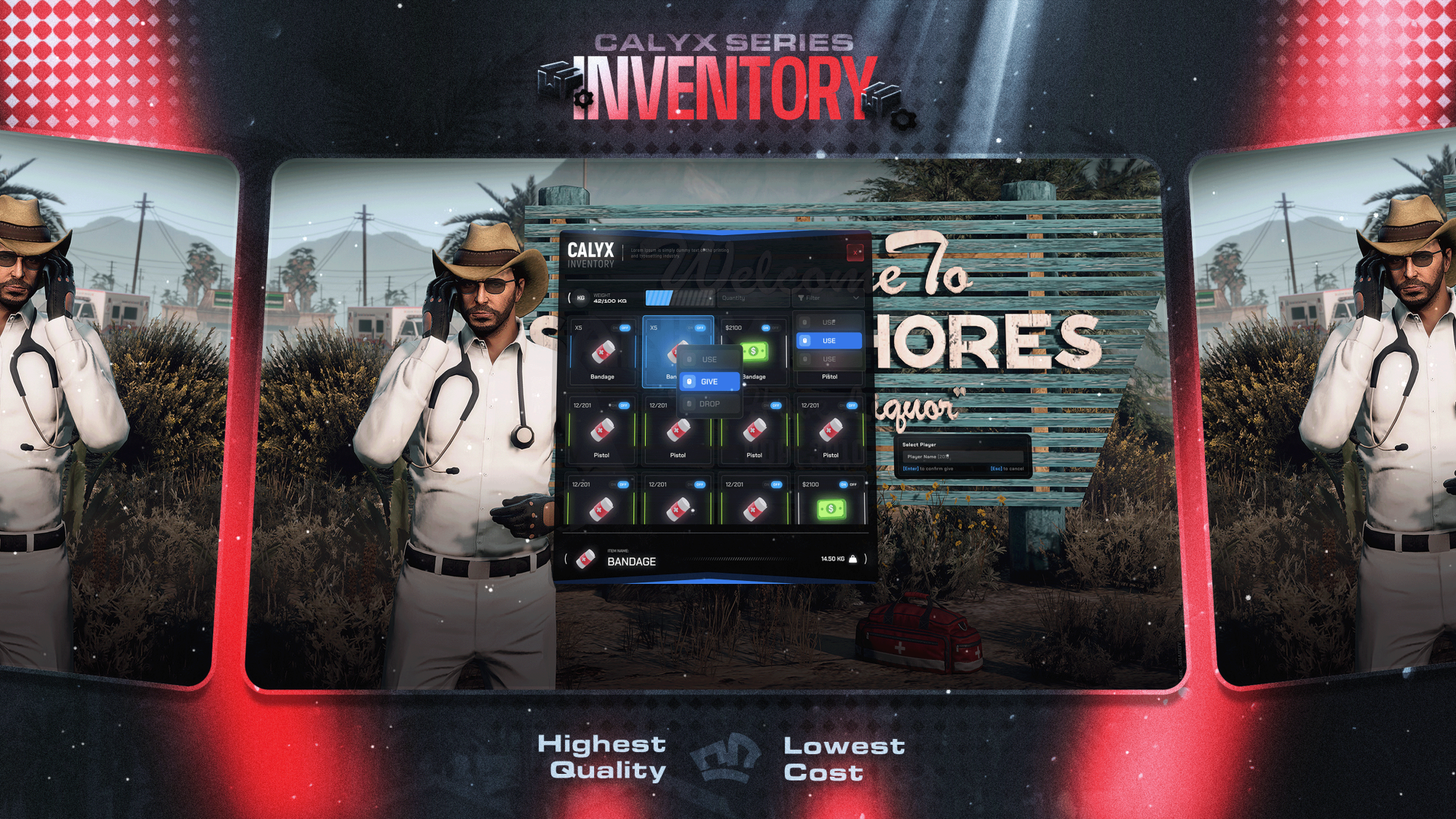
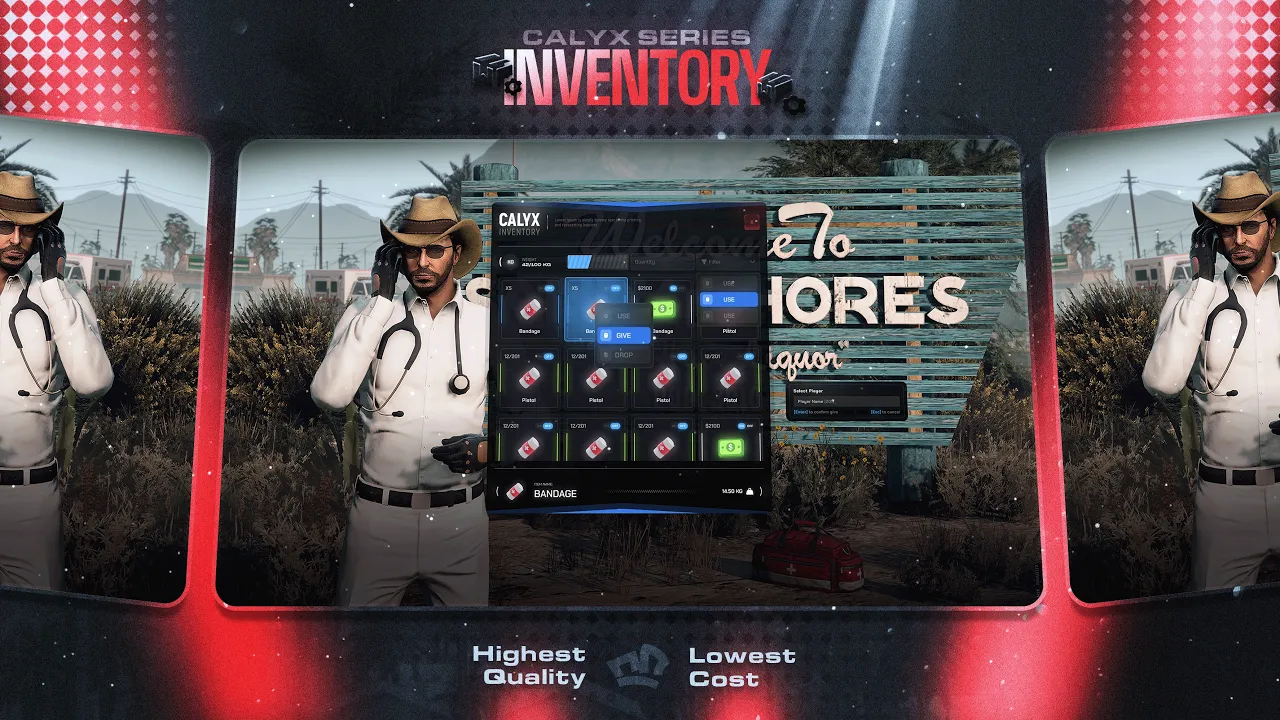
A modern inventory system for FiveM servers featuring item management, vehicle storage, player trading, and world item placement.
Calyx Inventory provides an intuitive interface designed to simplify inventory management while supporting a wide range of roleplay scenarios.
Modern user interface
Responsive design
Smooth transitions and animations
Real-time inventory updates
Integrated item search
Category-based filters
Quick item lookup
Drag-and-drop item management
Fast item transfers
Visual feedback during interactions
Trunk inventory support
Glovebox inventory support
Configurable storage capacities
Support for different vehicle classes
Direct player-to-player item transfers
Secure item exchange system
Simple interaction workflow
Drop items into the game world
Position and rotate supported items
Configurable placement restrictions
Roleplay-focused item placement system
Optimized for FiveM servers
Lightweight resource usage
Designed for stable operation with larger player populations
The configuration file allows server owners to:
Configure inventory weight limits
Configure inventory slot counts
Customize item categories
Configure vehicle storage capacities
Define placement restrictions
Adjust gameplay settings
Configure framework integration
Inventory Resource
Configuration Files
Framework Bridge
Installation Guide
Supported frameworks:
ESX
QB-Core
Custom Frameworks (via included bridge system)
Additional framework requirements may depend on your server setup.
Resource files are protected through CFX Asset Escrow.
Configuration files remain editable.
Server owners can customize available settings through the provided configuration files.
Support is available through the official Novis Development Discord server.
This product is intended for use on FiveM servers.
Please review the requirements before purchasing.
Compatibility with third-party resources may require additional configuration.
Future updates may be provided at the seller's discretion.

